
Have you ever subscribed to a newsletter, received a welcome email, and immediately felt that the brand understood exactly what you were looking for? Now think about the opposite experience. You subscribe to a website, wait for an email, and receive nothing. Or worse, you get a promotional message that feels like someone is trying to sell you something before even saying hello.
That first interaction can make a big difference.
When someone joins your mailing list, they are showing interest in your content, business, products, or services. However, that interest does not automatically turn into a lasting relationship. You need to give subscribers a good reason to open your next email, recognize your brand, and look forward to hearing from you.
This is where a well-written newsletter signup email becomes important. It introduces your brand, confirms the subscriber’s decision, explains what they can expect, and starts building trust. Instead of immediately pushing a product or service, it gives readers a welcoming experience.
Whether you run a blog, an online store, an affiliate marketing business, a coaching service, or a digital marketing website, your welcome email should feel personal and useful.
But what should you actually write?
In this guide, we will explore 12 practical welcome email examples, explain when to use each one, share ready-to-customize templates, and cover the important details of automation, email deliverability, personalization, and subscriber engagement.
Let’s get started!
Key Takeaways
- Send a welcome email soon after someone subscribes so the interaction feels timely.
- Clearly explain what subscribers will receive and how frequently you will contact them.
- Use a friendly subject line, a personal greeting, and one clear call to action.
- Avoid excessive promotions, misleading promises, and spam-like language.
- Track opens, clicks, replies, and unsubscribes to improve your future emails.
1. What Is a Newsletter Signup Email?
A newsletter signup email is a message sent to someone after they subscribe to receive updates from a business, website, creator, or organization.
It is commonly called a welcome email because its main purpose is to welcome a new subscriber and introduce them to the sender.
For example, imagine someone visits your marketing blog and subscribes to receive weekly email marketing tips. After submitting their details, they receive a message thanking them for joining, explaining what kind of advice they will receive, and providing a link to a useful beginner’s guide.
That is a welcome email.
A good newsletter signup email usually includes:
- A friendly greeting.
- A thank-you message.
- A brief introduction to your brand.
- An explanation of what subscribers can expect.
- A link to useful content or a promised resource.
- An unsubscribe option.
It is important to understand that a welcome email is not necessarily the same as a confirmation email.
A confirmation email may ask someone to verify their address through a link. This is often part of a double opt-in process. A welcome email generally follows a completed subscription and introduces the subscriber to your content.
Some businesses combine these messages, while others send them separately.
The main goal is simple: make subscribers feel that joining your list was a worthwhile decision.
Why Does Your First Newsletter Email Matter?
Think about the moment someone joins your list. They are probably more familiar with your brand than they were a few minutes ago, but they may still have questions.
They might wonder:
- What will I receive?
- How often will you email me?
- Is the content actually useful?
- Can I trust this website?
- Will you send too many promotions?
A thoughtful newsletter signup email can answer these questions before they become reasons to ignore future messages.
Here are five reasons why your first email deserves attention.
1. It Creates a Strong First Impression
Your first email introduces your communication style. A clear, friendly message can make your brand feel approachable and professional.
2. It Sets Expectations
Subscribers should know whether they will receive weekly articles, product updates, industry news, special offers, or educational resources.
3. It Encourages Early Engagement
A useful link gives readers something to do immediately. They might read an article, download a guide, explore your website, or reply with a question.
4. It Builds Brand Recognition
Using a consistent sender name, logo, writing style, and visual design helps readers recognize your messages later.
5. It Starts a Long-Term Relationship
One welcome email cannot build lasting trust on its own. However, it can establish the foundation for useful and consistent communication.
Remember, the purpose of a newsletter signup email is not simply to announce that someone has joined your list. It is to make the next interaction easier and more meaningful.
12 Newsletter Signup Email Examples You Can Use
Not every business should send the same welcome message. A blogger, an online retailer, an affiliate marketer, and a software company have different audiences and different expectations.
Below are 12 practical email newsletter signup examples. Each one includes a situation, an explanation, and a sample you can customize.
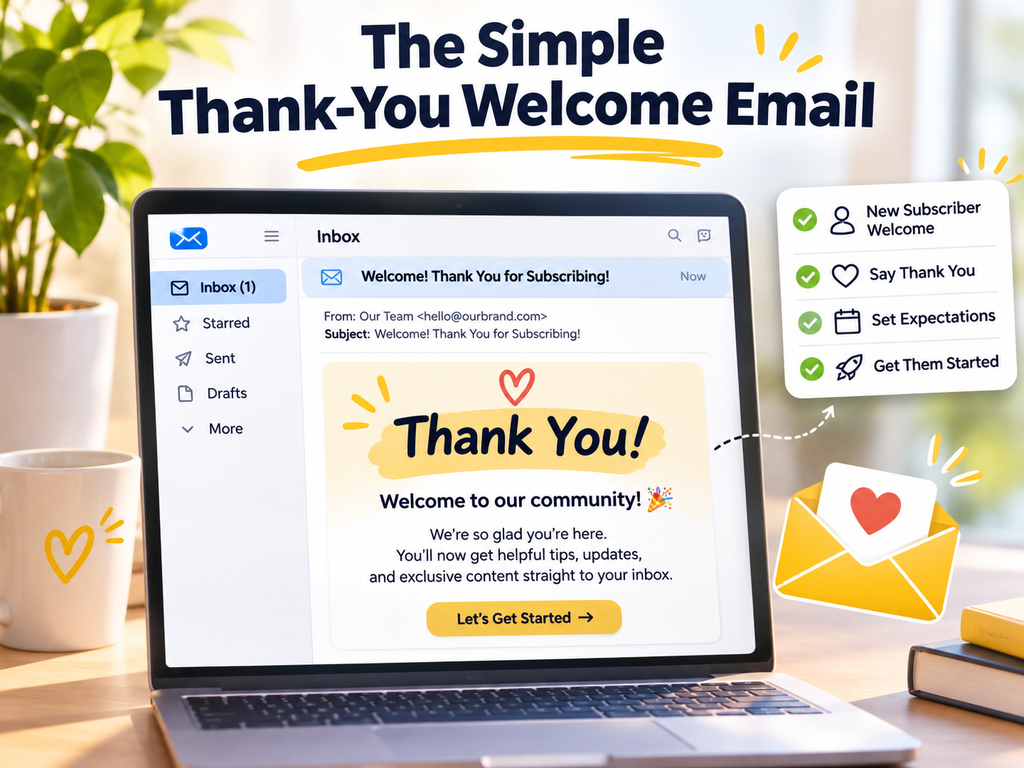
Example 1: The Simple Thank-You Welcome Email
Best for: Bloggers, small businesses, personal websites, and new newsletters.
Sometimes, the simplest approach works best. You do not need a long introduction or complicated design. Just thank the subscriber, introduce your newsletter, and explain what comes next.
Suggested subject line: Welcome! We’re glad you’re here
Email template:
Hi [First Name],
Thank you for subscribing to [Newsletter Name]!
We’re excited to have you as part of our community.
Every [week/month], we’ll share practical tips, helpful resources, and fresh ideas to help you [specific benefit].
To get started, check out our latest article: [Article Link].
Thanks again for joining us. We look forward to staying in touch!
Best,
[Your Name]
Why it works:
The message is short, welcoming, and easy to understand. It does not overwhelm new subscribers with too much information.
If you are sending your first newsletter signup email, this is a good starting point because it focuses on the most important information.
Example 2: The Value-First Welcome Email
Best for: Educational blogs, marketing websites, consultants, and industry experts.
People subscribe because they expect something useful. Instead of spending the entire email talking about your business, give them something valuable immediately.
It could be a practical guide, a checklist, an educational article, or a useful resource.
Suggested subject line: Your first helpful resource is here!
Email template:
Hi [First Name],
Welcome to [Brand Name]!
We’re happy you’ve joined us.
As promised, here’s a resource to help you get started:
[Download Your Guide]
Inside, you’ll find practical information about [specific topic] that you can start applying today.
We’ll also share useful tips, new resources, and advice to help you make progress.
Enjoy reading!
[Your Name]
Why it works:
The subscriber receives immediate value instead of another generic marketing message.
A useful newsletter signup email should deliver what was promised on the signup page. If you offered a free checklist, make sure the download link works and does not require unnecessary additional steps.
Example 3: The Brand Introduction Welcome Email
Best for: New businesses, growing websites, agencies, and personal brands.
Some subscribers may discover your website through a search engine, advertisement, recommendation, or social media post. They may know very little about your business.
This email introduces your brand without turning the message into a long company history.
Suggested subject line: A little about us and what you can expect
Email template:
Hi [First Name],
Welcome to [Brand Name]!
We started this newsletter because we believe [brief brand mission or purpose].
Our goal is to help [target audience] understand and improve [specific area].
When you subscribe, you can expect:
- Helpful educational articles.
- Practical tips and ideas.
- Updates about useful resources.
- Occasional news and announcements.
We hope our emails make your work a little easier.
Explore our website here: [Website Link].
Best wishes,
[Your Name]
Why it works:
It helps readers understand who is contacting them and why the newsletter exists.
A newsletter signup email should make the sender’s identity clear. This is especially important when subscribers are joining a relatively unfamiliar brand.
Example 4: The Personal Welcome Email
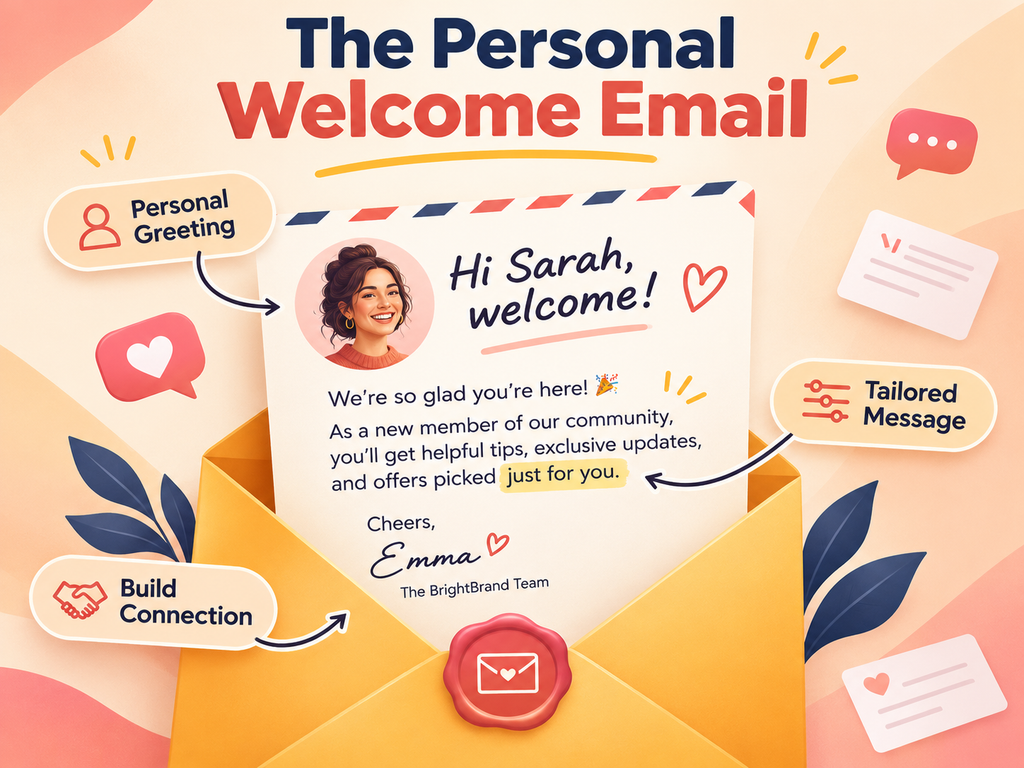
Best for: Coaches, consultants, freelancers, creators, and personal brands.
People often connect more easily with a real person than with a faceless company. If your brand is built around your knowledge or personality, write your welcome email in your own voice.
Suggested subject line: A personal welcome from [Your Name]
Email template:
Hi [First Name],
I’m [Your Name], and I wanted to personally thank you for joining my newsletter.
I created this space to share what I’ve learned about [topic] and help people like you make better decisions.
I’ll be sending you practical advice, lessons from my experience, and resources that I believe are worth your time.
If there is a particular challenge you are facing, feel free to reply and tell me about it.
I would love to know what brought you here.
Talk soon!
[Your Name]
Why it works:
The email invites conversation rather than simply delivering information.
However, only promise personal replies if you can reasonably manage them. A newsletter signup email should set expectations that you can actually meet.
Example 5: The Free Resource Delivery Email
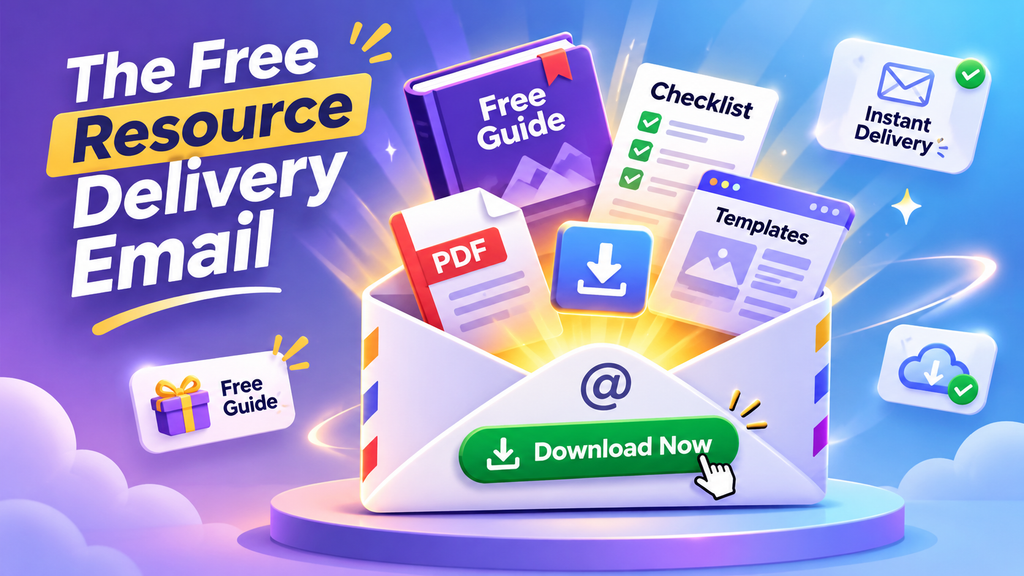
Best for: Lead generation campaigns, online educators, bloggers, and affiliate marketers.
Many websites offer a downloadable resource to encourage subscriptions. It could be an eBook, checklist, worksheet, template, or short guide.
When someone signs up to receive that resource, deliver it clearly.
Suggested subject line: Your free [Resource Name] is ready!
Email template:
Hi [First Name],
Thanks for joining [Brand Name]!
Your requested resource is ready.
Click below to access your free [eBook/Checklist/Guide]:
[Get Your Free Resource]
We’ve created this resource to help you [specific result or task].
We recommend starting with [specific section or action] so you can get the most from it.
Have questions? Simply reply to this email.
Enjoy!
[Your Name]
Why it works:
It connects the signup experience with the promised benefit.
A common mistake is making people search through multiple emails to find something they were promised immediately. Keep the download link visible and test it before launching the campaign.
Example 6: The Newsletter Preview Email
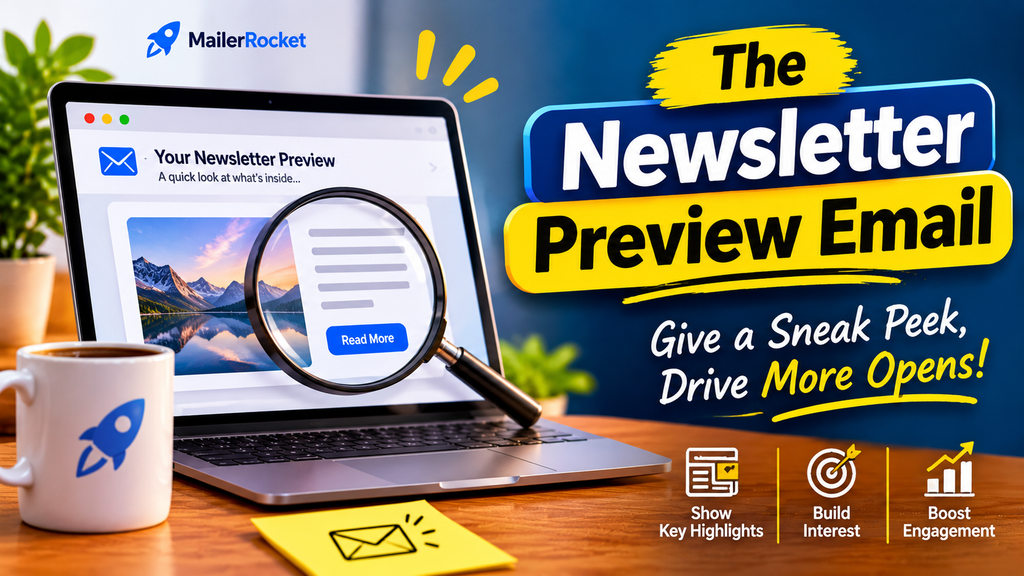
Best for: Content publishers, news websites, industry blogs, and online magazines.
Some people subscribe because they want regular updates, but they may not know exactly what those updates will look like.
A preview email shows them the type of content they can expect.
Suggested subject line: Here’s what you’ll find in our newsletter
Email template:
Hi [First Name],
Welcome to [Newsletter Name]!
We’re excited to share our latest content with you.
Here’s a quick look at what you can expect:
Useful tips: Practical advice you can apply.
Fresh articles: New posts covering [main topics].
Industry updates: Important developments worth knowing.
Helpful resources: Tools and guides that can make your work easier.
We’ll send our newsletter [frequency] so you can stay informed without having to search for everything yourself.
Thanks for subscribing!
[Your Name]
Why it works:
It reduces uncertainty. Subscribers know what they are signing up for and can decide whether the content matches their interests.
Example 7: The E-Commerce Welcome Email
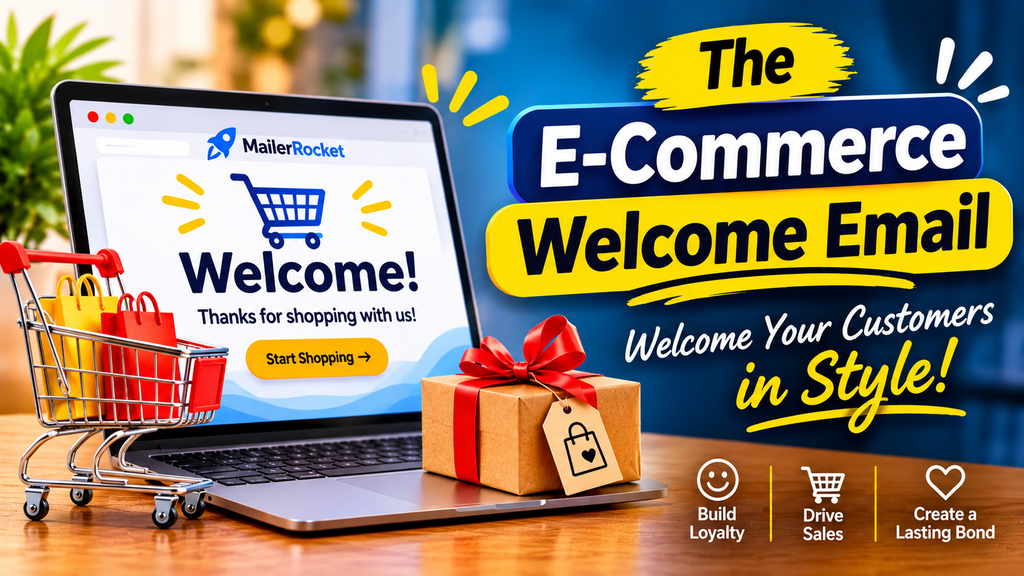
Best for: Online stores, product brands, and direct-to-consumer businesses.
An online store may use its welcome email to introduce its products, explain its shopping experience, and share a first-order offer if one is genuinely available.
Avoid inventing discounts or creating false urgency.
Suggested subject line: Welcome to [Store Name]!
Email template:
Hi [First Name],
Welcome to [Store Name]!
Thanks for joining our community.
We make it easier to discover [product category or product benefit].
Here are a few places to explore:
- Bestsellers: [Link]
- New arrivals: [Link]
- Customer favorites: [Link]
- Shopping help: [Link]
If you have questions about a product or your order, our support team is here to help.
We’re glad you’re here!
[Store Name] Team
Why it works:
The email guides new subscribers toward relevant pages without pressuring them to make an immediate purchase.
If you offer a welcome discount, state its actual conditions, expiry date, and exclusions clearly.
Example 8: The Affiliate Marketing Welcome Email
Best for: Affiliate marketers, product reviewers, online business bloggers, and niche content creators.
Affiliate marketers often attract subscribers who want recommendations, tutorials, and practical information about products or services.
The challenge is building trust before sharing affiliate promotions.
Suggested subject line: Welcome! Let’s make smarter marketing decisions
Email template:
Hi [First Name],
Welcome to [Brand Name]!
Thanks for joining our newsletter.
We’ll be sharing useful information about [your niche], including:
- Tools that can simplify your work.
- Tutorials for beginners.
- Practical marketing strategies.
- Honest product comparisons.
- Lessons and resources worth exploring.
Our aim is to help you make informed decisions rather than overwhelm you with endless recommendations.
You can start with our latest guide here: [Article Link].
Looking forward to sharing more with you!
[Your Name]
Why it works:
It positions the sender as a helpful source of information rather than someone who only wants to promote products.
When you include affiliate links in future emails, disclose the commercial relationship clearly and follow the applicable advertising and email marketing rules.
Example 9: The SaaS Product Welcome Email
Best for: Software companies, digital tools, membership platforms, and online services.
When someone subscribes to product updates or creates an account, they need to understand how to get started.
Your welcome email can point them toward the most important first step.
Suggested subject line: Welcome to [Product Name] – Let’s get started
Email template:
Hi [First Name],
Welcome to [Product Name]!
We’re glad you’re here.
To help you get started, here are three useful steps:
- Complete your profile: [Link]
- Explore the main features: [Link]
- Visit our beginner’s guide: [Link]
If you need help, visit our support center or contact our team.
We hope [Product Name] helps you [specific customer benefit].
Best,
[Company Name] Team
Why it works:
It gives new users a clear path instead of leaving them wondering what to do next.
Keep the instructions relevant to the subscriber’s actual account status. Do not send an account activation message to someone who only subscribed to a general newsletter.
Example 10: The Community Invitation Email
Best for: Online communities, membership websites, educational groups, and professional networks.
Some newsletters are designed to bring people together. If your website has a genuine community, your welcome message can introduce readers to it.
Suggested subject line: Welcome to the community!
Email template:
Hi [First Name],
We’re happy you’ve joined [Community Name]!
This is a place where people interested in [topic] can learn, exchange ideas, and discover helpful resources.
Here are a few ways to get involved:
- Explore our latest discussions: [Link]
- Read our community guidelines: [Link]
- Follow our updates: [Link]
- Introduce yourself: [Link]
We encourage you to participate at your own pace.
Thanks for being here!
[Community Team]
Why it works:
It gives subscribers a sense of belonging and shows them how to participate.
Only include community invitations that actually exist and that the subscriber can access.
Example 11: The Limited-Content Newsletter Welcome Email
Best for: Premium newsletters, research publishers, industry analysts, and specialist creators.
Some newsletters focus on a specific subject and promise deeper insights rather than frequent general updates.
The welcome email should explain the content clearly and show readers where to find it.
Suggested subject line: Your subscription to [Newsletter Name] starts here
Email template:
Hi [First Name],
Thank you for subscribing to [Newsletter Name].
We’re here to help you stay informed about [specific subject].
Our newsletter focuses on:
- Important developments.
- Detailed explanations.
- Practical industry insights.
- Selected resources and recommendations.
You can explore our introductory article here: [Link].
We’ll send updates according to our published schedule.
Thank you for reading!
[Your Name]
Why it works:
It attracts readers who are genuinely interested in the subject and helps them understand the newsletter’s purpose.
If your content is paid, be clear about the subscription terms. Never make a free subscription appear to include paid material.
Example 12: The Feedback and Preference Welcome Email
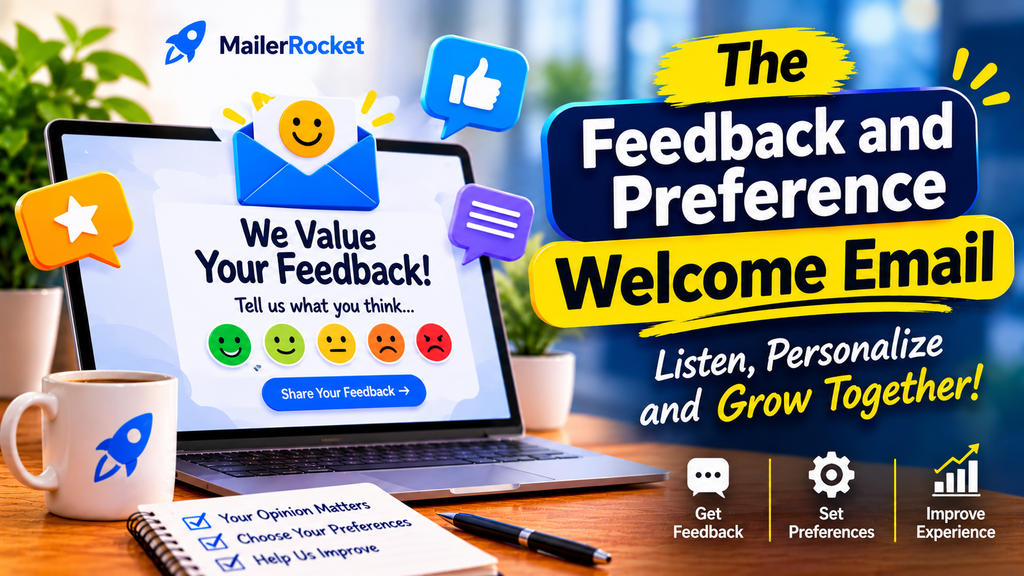
Best for: Established newsletters, growing businesses, and brands with different subscriber interests.
Sometimes the best way to make emails relevant is to ask readers what they want.
Instead of sending every subscriber the same content, allow them to choose their preferred topics or frequency where your email platform supports it.
Suggested subject line: What would you like to hear about?
Email template:
Hi [First Name],
Welcome to [Brand Name]!
We’re glad you subscribed.
We want to make sure our emails are useful to you.
Which topics interest you most?
- [Topic A]
- [Topic B]
- [Topic C]
- [Topic D]
You can update your preferences here: [Preference Center Link].
We’ll use your selections to make our future updates more relevant.
Thanks for helping us make this newsletter better!
[Your Name]
Why it works:
It gives subscribers some control over their experience.
A preference center can also help reduce irrelevant messages and unnecessary unsubscribes. Just make sure the options work correctly and that subscribers can still unsubscribe easily.
How to Write a Newsletter Signup Email Step by Step
You have now seen different welcome email styles. But how do you create one from scratch?
Follow these practical steps.
Step 1: Understand Why Someone Subscribed
Before writing anything, identify what motivated the signup.
Did the person subscribe to receive:
- Weekly blog updates?
- A free eBook?
- Marketing tips?
- Product announcements?
- Special offers?
- Industry news?
The reason matters because the first email should match the expectation created by your signup page.
Step 2: Write a Clear Subject Line
Your subject line should tell readers why the email matters.
Some examples include:
- Welcome to [Newsletter Name]!
- Thanks for subscribing, [First Name]
- Your free marketing guide is ready
- Here’s what to expect from us
- Let’s get started!
Avoid misleading subject lines. A welcome email should not pretend to be an urgent account alert or a personal message if it is actually a general promotion.
Step 3: Use a Recognizable Sender Name
Subscribers should recognize who is emailing them.
You can use a person’s name, a brand name, or a combination such as:
Your Name from Brand Name
Avoid frequently changing the sender identity because this can confuse readers.
Step 4: Make the Opening Friendly
Start with a simple greeting and thank the subscriber.
You do not need complicated language. Something like “Thanks for joining us!” is enough.
Step 5: Explain What Comes Next
Tell readers what kind of emails they will receive and how frequently you plan to send them.
If you send one email every week, say so. If your schedule varies, explain that honestly.
Step 6: Include One Main Call to Action
A call to action tells the subscriber what to do next.
Examples include:
- Read our latest guide.
- Download your checklist.
- Explore our resources.
- Update your preferences.
- Visit our website.
Avoid including too many competing buttons. One primary action is usually easier to understand.
Step 7: Test Before Sending
Check the spelling, links, images, formatting, and mobile appearance.
Send a test email to yourself and check it using different email clients where possible.
This final step can prevent small mistakes from affecting the entire subscriber experience.
Essential Elements of an Effective Email Newsletter Signup Form
Your welcome email is only one part of the subscriber experience. The form where people enter their details also matters.
An effective email newsletter signup form should be simple, understandable, and transparent.
Here are the elements worth including.
1. A Clear Headline
For example:
“Get Weekly Digital Marketing Tips Straight to Your Inbox.”
Tell visitors exactly what they will receive.
2. A Short Description
Explain the benefit of subscribing in one or two sentences.
For example:
“Discover practical marketing strategies, useful tools, and beginner-friendly guides every week.”
3. A Simple Email Field
Ask for the information you actually need.
If an email address is sufficient, avoid requiring a phone number, full address, and other unnecessary details.
4. A Visible Signup Button
Use clear button text such as:
- Subscribe Now
- Join the Newsletter
- Get Weekly Tips
- Send Me Updates
5. A Privacy Explanation
Tell visitors how their information will be used and link to your privacy policy.
Do not hide important information in confusing wording.
6. Clear Subscription Expectations
Mention the email frequency and general content type whenever possible.
7. A Working Confirmation Process
Test the entire process, including form submission, confirmation emails, and the final welcome message.
A well-designed email newsletter signup form sets expectations before someone joins your list. This makes it easier to create a relevant first email.
What Should You Include in an Email Newsletter Signup Template?
A reusable email newsletter signup template can save time, especially if you regularly publish content or manage multiple campaigns.
However, a template should be a starting point, not a substitute for understanding your readers.
Here is a simple structure you can reuse.
Subject: Welcome to [Brand Name]!
Preview text: Thanks for joining us. Here’s what happens next.
Greeting: Hi [First Name],
Thank-you message: Thanks for subscribing to [Newsletter Name].
Brand introduction: We help [target audience] with [specific benefit].
Content expectations: You can expect [content type] [frequency].
Useful resource: Start with this guide: [Link].
Call to action: Explore [Resource/Website].
Closing: Thanks for being part of our community!
Signature: [Sender Name and Brand]
A good email newsletter signup template should be flexible enough for different audiences.
For example, an educational website may focus on tutorials, while an e-commerce brand may highlight new products and shopping resources.
Before using any template, personalize the opening, benefit statement, and main link.
Common Newsletter Signup Email Mistakes to Avoid
Even a beautifully designed welcome email can fail if it creates the wrong experience.
Here are seven mistakes to watch out for.
Mistake 1: Sending Nothing After Subscription
Imagine joining a newsletter and hearing nothing for several days.
The delay can make subscribers forget why they signed up.
What to do: Set up an automated welcome message that is triggered by a successful subscription.
Mistake 2: Making the Email Too Promotional
Your first message should not feel like a sales pitch.
Constant product promotions can make readers question whether the newsletter will provide any real value.
What to do: Start with a welcome, a useful resource, or a helpful introduction. Introduce relevant offers later when appropriate.
Mistake 3: Using Misleading Subject Lines
Subject lines such as “Your account is in danger” or “Urgent payment issue” are inappropriate for ordinary newsletter messages.
They create confusion and can damage trust.
What to do: Make the subject line accurately reflect the email.
Mistake 4: Ignoring Mobile Readers
Many subscribers read emails on phones.
A complicated layout, tiny text, or difficult-to-click buttons can make the experience frustrating.
What to do: Use responsive email templates, readable font sizes, and simple layouts.
Mistake 5: Sending Too Many Emails
Subscribers may lose interest if you send messages more frequently than they expected.
What to do: Establish a realistic schedule and communicate it clearly.
Mistake 6: Forgetting the Unsubscribe Option
Every legitimate marketing email should provide an appropriate way to stop receiving messages.
Applicable laws and email provider requirements may also require specific sender identification and unsubscribe mechanisms.
What to do: Use an email platform that supports compliant unsubscribe handling and maintain your suppression list.
Mistake 7: Not Testing Links and Automation
A welcome message with a broken download link or incorrect personalization can create a poor first impression.
What to do: Test the complete journey before making your campaign live.
How to Avoid Newsletter Email Signup Spam Problems
One concern many website owners have is whether their welcome messages will land in the inbox or spam folder.
The term newsletter email signup spam can refer to several different problems:
- Subscribers receiving unwanted messages.
- Fake or automated form submissions.
- Legitimate emails being filtered into spam.
- People receiving messages without meaningful permission.
- A sender’s reputation being affected by poor email practices.
These are different issues, and each needs a different solution.
Use Permission-Based Subscriptions
Only email people who have provided appropriate permission or otherwise have a lawful basis for receiving your messages.
Do not purchase random email lists and add those addresses to your newsletter without proper authorization.
Consider Double Opt-In
Double opt-in requires subscribers to confirm their email address through a verification link.
This extra step can help identify mistyped addresses and confirm that the person controls the mailbox.
It is not a universal legal requirement, but it can be useful for list quality and consent records.
Authenticate Your Sending Domain
Email authentication helps receiving servers verify that your messages are authorized.
Important technologies include:
- SPF: Identifies which servers are authorized to send email for your domain.
- DKIM: Adds a digital signature that helps verify message authenticity.
- DMARC: Tells receiving servers how to handle messages that fail authentication checks and provides reporting options.
Configure these records according to your email service provider’s instructions.
Avoid Spam-Like Writing
Excessive capital letters, misleading claims, suspicious links, and deceptive subject lines can create a poor email experience.
Write naturally and make sure the content matches the subscriber’s expectations.
Maintain a Healthy Mailing List
Remove invalid addresses, handle hard bounces, and respect unsubscribe requests.
Do not repeatedly email inactive subscribers without a sensible engagement and repermission strategy.
Make Unsubscribing Easy
A visible unsubscribe option is better than forcing uninterested people to mark your messages as spam.
Follow applicable laws and the requirements of your email provider, including relevant one-click unsubscribe standards where required.
A trustworthy newsletter signup email begins with a trustworthy signup process. The goal is not to collect the largest possible number of addresses. It is to communicate with people who genuinely want to hear from you.
How to Automate Your Welcome Email
Sending individual welcome messages manually becomes difficult as your mailing list grows.
Email automation solves this problem by sending a predefined message when someone completes a specific action.
Here is a simple automation workflow.
Step 1: Create Your Signup Form
Add a newsletter subscription form to your website.
Explain the benefits of subscribing and collect only the necessary information.
Step 2: Connect Your Email Marketing Platform
Use an email marketing service that can receive form submissions and manage subscribers.
Examples include Mailchimp, Brevo, Kit, and other email marketing platforms.
Check each provider’s current features and pricing before choosing one.
Step 3: Set Up the Welcome Trigger
Choose the appropriate automation trigger, such as a confirmed subscription or a subscriber entering a particular list.
If you use double opt-in, ensure the welcome message is sent at the correct stage of the confirmation process.
Step 4: Create Your Welcome Message
Write your content, add your main link, personalize the greeting where supported, and include the required sender and unsubscribe information.
Step 5: Test the Workflow
Subscribe using a test address.
Check whether:
- The form accepts the information.
- The confirmation email arrives when required.
- The subscriber enters the correct list.
- The welcome message is delivered.
- The links work.
- Unsubscribe preferences are respected.
Step 6: Monitor Performance
Review the results after your automation has been running.
Check delivery, clicks, replies, bounces, and unsubscribe activity.
Automation does not mean you should forget about your emails. Review the content regularly to ensure that links, offers, and information remain accurate.
How to Make Your Welcome Emails More Engaging
Once your basic email is ready, you can improve the subscriber experience with a few thoughtful adjustments.
Personalize Where It Makes Sense
Using a subscriber’s first name can make a message feel more personal.
However, personalization is not limited to names. You can also use subscriber interests, selected preferences, or the resource they requested.
Always have a sensible fallback if a personalization field is missing.
Write Like a Human
Avoid corporate language and unnecessary jargon.
Instead of saying:
“We are delighted to facilitate your journey toward optimized professional outcomes.”
Say:
“We’re glad you’re here. We’ll share practical tips to help you improve your marketing.”
Simple language is easier to read and feels more natural.
Make the Email Easy to Scan
Use short paragraphs, descriptive headings, and bullet points.
Most readers do not carefully study every line of a marketing email. They scan it to find the information they need.
Include Useful Links
A welcome message can introduce readers to your best articles, tutorials, resources, or product guides.
Make sure each link has a clear purpose.
Encourage Replies
Asking one relevant question can start a conversation.
For example:
“What’s the biggest challenge you’re facing with email marketing right now?”
Do not ask for a reply if nobody will monitor the inbox.
Keep Your Branding Consistent
Use the same recognizable sender name, tone, and visual identity across your campaigns.
This helps subscribers connect future messages with the website they joined.
How to Measure the Performance of Your Newsletter Welcome Emails
You cannot improve what you never measure.
Once your automation is running, monitor a few important email marketing metrics.
Delivery Rate
This indicates the proportion of sent emails that were successfully delivered rather than rejected or bounced.
A high delivery rate is a useful starting point, although it does not guarantee inbox placement.
Open Rate
Open rate estimates how many recipients opened an email.
However, privacy features and automatic image loading can affect open tracking. Treat this metric as an estimate rather than a perfect measure of reader attention.
Click-Through Rate
This measures how many recipients clicked a link in your email.
If your welcome message includes a guide, article, or product page, click activity helps you understand whether readers are taking the next step.
Click-to-Open Rate
This compares clicks with recorded opens. It can provide additional context about how well the email content encourages action, but it inherits the limitations of open tracking.
Unsubscribe Rate
This measures the proportion of recipients who unsubscribe after receiving a message.
A sudden increase may indicate that the email did not match subscriber expectations, the frequency was too high, or the content was not relevant.
Bounce Rate
This indicates the proportion of messages that could not be delivered.
Separate hard bounces from temporary delivery problems where your platform provides that information.
Reply Rate
For newsletters that encourage conversation, replies can be a useful sign of genuine engagement.
Look at several metrics together instead of judging a campaign based on one number.
For example, a message with a modest open rate but strong clicks may be more useful than one with many recorded opens and no meaningful activity.
How OptinSoloAd Fits Into Your Email List Growth Strategy
Writing a strong welcome email is important, but it is only one part of growing an effective email marketing system.
Before you can welcome subscribers, you need to attract the right people to your website and give them a relevant reason to join your list.
This is where traffic generation and subscriber engagement work together.
For affiliate marketers, online entrepreneurs, and digital business owners, getting targeted visitors to a capture page can be an important part of the process.
OptinSoloAd provides solo ad traffic services designed to help marketers direct visitors toward their offers and lead capture pages.
According to its website, the platform offers traffic sourced through multiple channels, including Facebook, YouTube, Google and Bing PPC, Warrior Plus, CPA marketing, banner advertising, and selected solo ads.
Its process involves three main steps:
- Select a traffic package: Choose a package based on your campaign goals and budget.
- Campaign review: The service describes an optional funnel consultation to help review your campaign setup.
- Launch your campaign: The website states that campaigns begin within three days or less, subject to its stated process.
However, it is important to understand that purchasing traffic does not automatically create an engaged email list or guarantee sales.
Your landing page, audience match, signup offer, follow-up messages, and overall funnel all influence the outcome.
Here is how to connect traffic generation with your email strategy.
Step 1: Build a Relevant Capture Page
Create a page that clearly explains what visitors will receive when they subscribe.
For example, if you are targeting beginner affiliate marketers, offer a useful resource about choosing affiliate products or building a basic marketing funnel.
Step 2: Match Your Traffic to Your Offer
Your advertising message, capture page, and newsletter content should appeal to the same audience.
If visitors arrive expecting beginner marketing advice, do not immediately send unrelated promotional emails.
Step 3: Use a Clear Signup Process
Explain what subscribers are signing up for and collect permission appropriately.
Make sure your form works and that your privacy information is accessible.
Step 4: Send a Relevant Welcome Email
Once someone completes the signup process, send a message that acknowledges their interest and delivers the promised resource.
A personalized newsletter signup email can help connect the original traffic campaign with the next stage of your marketing funnel.
Step 5: Track the Entire Journey
Monitor your traffic, form submissions, confirmed subscriptions, email engagement, and conversions.
This helps you identify where people leave the process.
For instance, if your landing page receives visitors but very few people subscribe, you may need to improve the offer or page. If people subscribe but ignore your emails, the welcome message and follow-up content may need attention.
The important lesson is that traffic acquisition and email relationship-building should work together.
If you want to explore the traffic options and campaign process, visit OptinSoloAd.
Use the service as one possible traffic source within a properly planned marketing strategy, rather than treating purchased clicks as a guarantee of subscribers or revenue.
Conclusion
A successful newsletter is not built by collecting email addresses alone. It grows when people receive useful information, recognize your brand, and feel that staying subscribed is worth their time.
Your first welcome message plays an important role in that experience. It introduces your business, confirms what readers can expect, and gives them a useful next step.
As you create your own newsletter signup email, focus on being clear, helpful, and consistent. You do not need complicated language, expensive designs, or aggressive sales messages. A friendly introduction, a relevant resource, and a clear call to action can provide an excellent starting point.
Use the 12 examples in this guide as inspiration, customize the templates to suit your audience, and test your automation before launching it.
Most importantly, remember that attracting subscribers is only the beginning. Your ongoing content, email frequency, relevance, and respect for subscriber preferences determine whether those readers remain engaged.
Combine a thoughtful welcome sequence with a relevant traffic strategy, keep improving your funnel, and give every subscriber a good reason to look forward to your next email.
Frequently Asked Questions (FAQs)
1. What is a newsletter signup email?
A newsletter signup email is a welcome message sent to someone after they subscribe to a website’s or business’s mailing list. It thanks the reader, introduces the sender, explains what content they can expect, and may include a useful resource or link.
2. How do I write a good newsletter signup email?
Start with a friendly greeting and thank the subscriber for joining. Briefly introduce your brand, explain what kind of emails you will send, and include one useful link or clear next step. Keep the message simple, relevant, and consistent with the promise made on your signup page.
3. When should I send a welcome email after someone subscribes?
Ideally, send the welcome email automatically as soon as the subscription process is complete. If you use double opt-in, send the welcome message after the subscriber has completed the required confirmation step. Timely delivery helps readers connect the message with the action they just took.
4. What should I write in a newsletter welcome email subject line?
Use a subject line that is clear, friendly, and relevant to the signup. Examples include “Welcome to Our Newsletter,” “Thanks for Joining Us,” and “Your Free Guide Is Ready.” Avoid misleading claims, excessive urgency, or subject lines that do not match the actual message.
5. What are some good email newsletter signup examples?
Useful examples include a simple thank-you email, a free resource delivery email, a personal welcome message, a brand introduction, an e-commerce welcome email, and an educational newsletter preview. The best format depends on why someone subscribed and what they expect to receive.
6. How do I create an effective email newsletter signup form?
Use a clear headline, a short explanation of the newsletter’s benefits, a simple email address field, and a visible subscribe button. Explain how often you will send emails, provide access to your privacy policy, and make sure the form connects correctly to your email marketing platform.
7. Can I send a newsletter signup email without double opt-in?
In some situations, yes. Single opt-in allows a person to join a mailing list after submitting the form without a separate confirmation step. However, the appropriate method depends on applicable laws, your email provider’s policies, and your consent practices. Double opt-in can provide additional confirmation that the subscriber controls the email address.
8. Why does my newsletter welcome email go to spam?
Possible reasons include missing email authentication, poor sender reputation, invalid recipient addresses, misleading subject lines, unwanted content, and spam complaints. Configure SPF, DKIM, and DMARC correctly, use permission-based lists, maintain good list hygiene, and send relevant emails consistently.
9. How long should a newsletter signup email be?
There is no fixed word count. A simple welcome email may only need 75–150 words, while a detailed onboarding email may require more. Focus on delivering the promised information and making the next step clear instead of adding unnecessary text.
10. How can I get more subscribers for my email newsletter?
Publish useful content, make your signup form easy to find, offer relevant resources, promote your newsletter through suitable channels, and create landing pages that match your audience’s interests. You can also explore traffic solutions such as OptinSoloAd to bring visitors to your capture page. Track actual subscriptions and engagement rather than judging success by clicks alone.
1 thought on “Newsletter Signup Email: 12 Welcome Email Examples That Turn New Subscribers Into Engaged Readers”